Nothing to install
Your guests upload from their phone's browser. No app, no account, no passwords: they scan the QR code and they are in.
Your guests upload what they shoot straight from their phones, with nothing to install. You decide who can upload, what stays visible, and when to download it all at full quality.
No apps to install · Creating your event is free, you only pay for the space you use
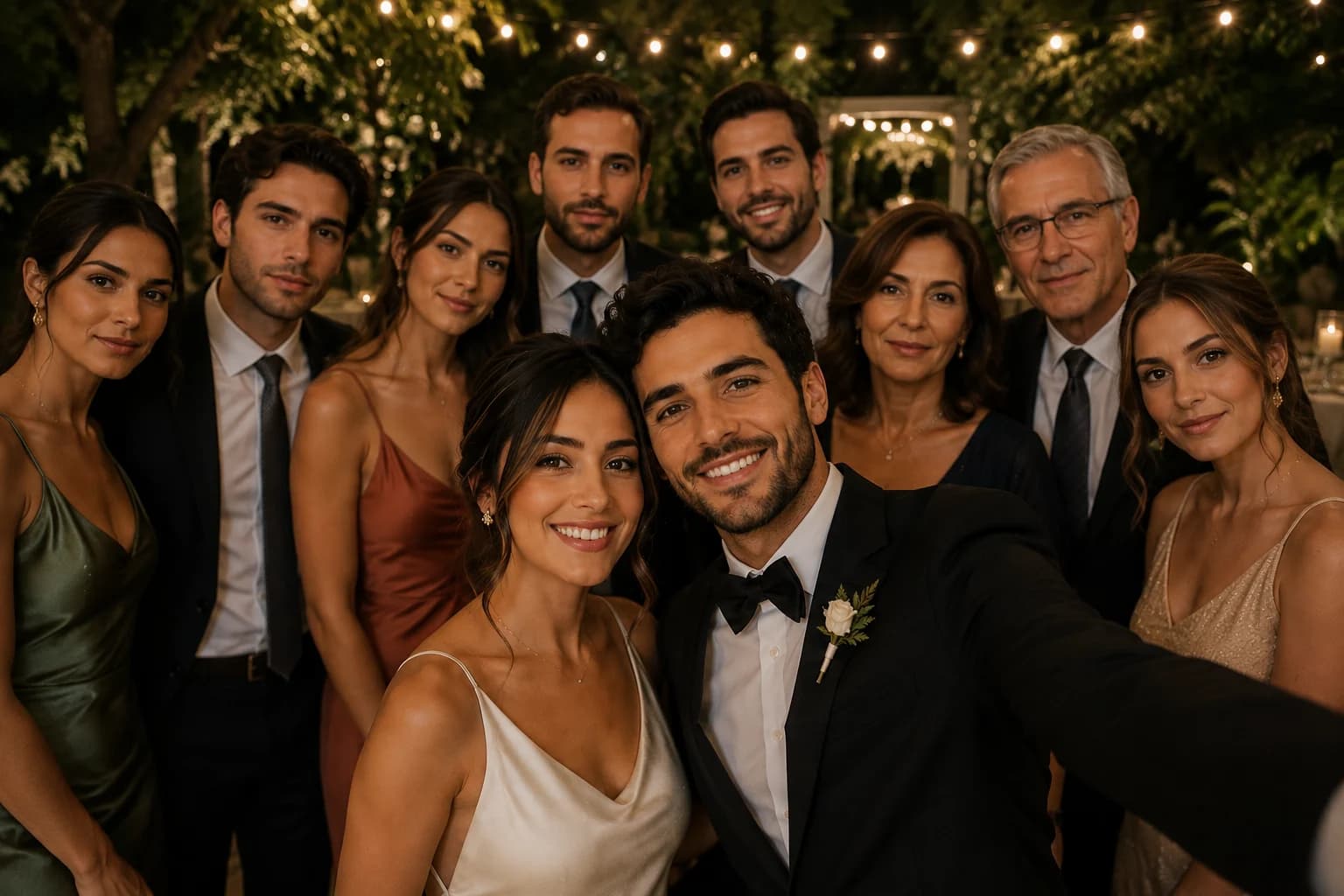
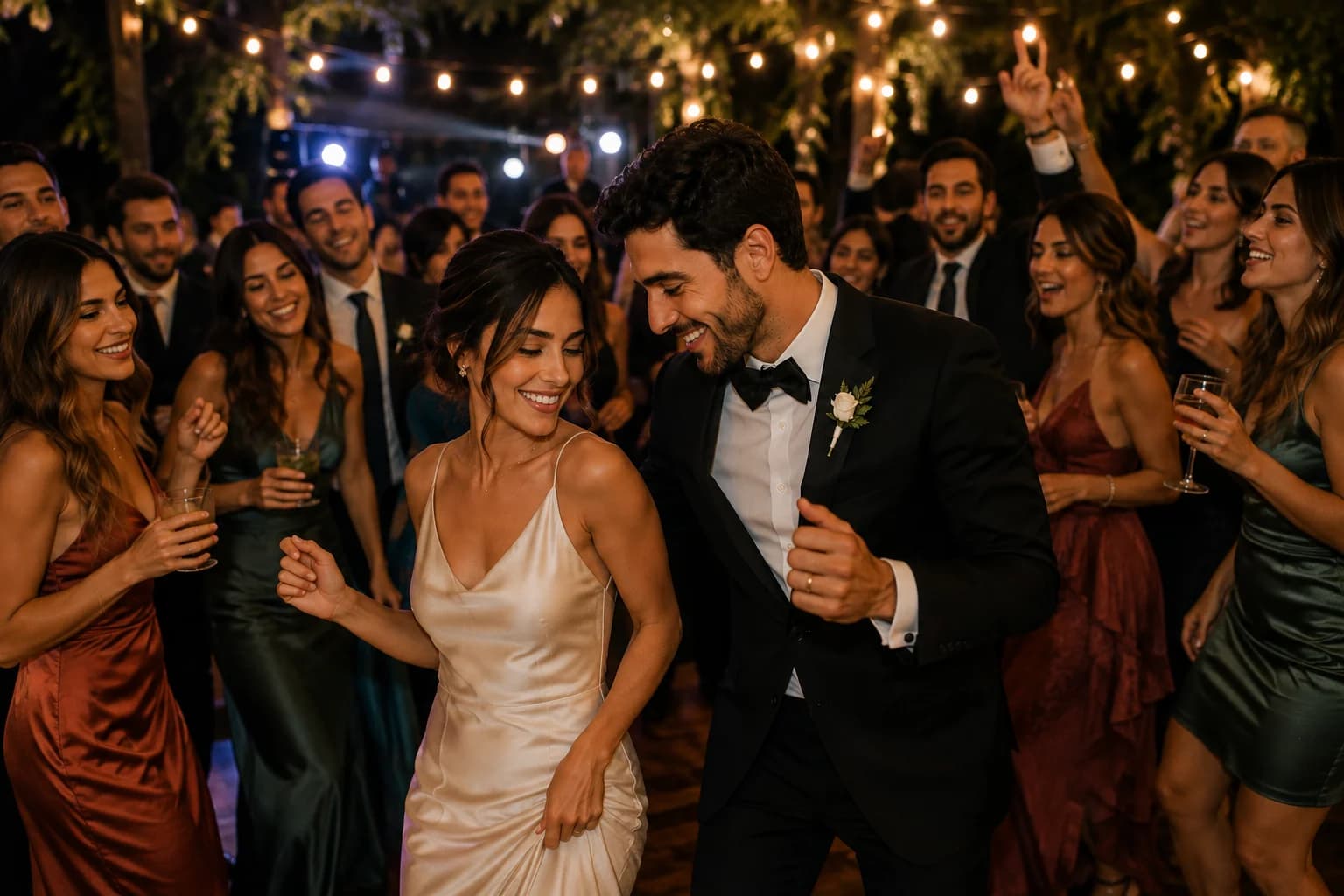


Four steps. The first three are done before the wedding; the last one waits for the morning after, coffee in hand.
Create your event in Nozzia and add the photo space you need. It is ready before you send the first invitation.
Nozzia generates your gallery's QR code and link. Print it for the tables or send it over WhatsApp along with the invitation.
They scan, identify themselves if you asked for it, and upload from their phone's browser. No app to download, no account to create.
Every photo at once, at its original quality, whenever you want. Before that you can hide any you would rather not show.
A countryside party with a hundred cousins is not a thirty-person ceremony. Pick the level you want and change it whenever you like, even during the event.
Anyone with the link views and uploads photos
Everything it takes for the photos to arrive on their own and for the album to end up the way you want it.
Your guests upload from their phone's browser. No app, no account, no passwords: they scan the QR code and they are in.
Public, verified by email or WhatsApp, or limited to the guests you authorize. Switch between them at any time.
Hide or delete any photo from your dashboard. The gallery is yours, even when someone else took the picture.
On the wedding day we message your confirmed guests over WhatsApp or email with the gallery link, so they don't forget to upload what they shot.
Get the whole album at its original quality, with a progress bar telling you how much is left while it is prepared.
Add the video space and your guests can upload clips of up to 60 seconds that show up alongside the photos.
Share your gallery's QR code or link: print it for the tables, add it to the invitation, or send it over WhatsApp. Guests scan it, upload their photos from their phone's browser, and the photos show up in your album right away.
No. It all happens in the phone's browser: no app to download, no account to create. Depending on the access level you pick, at most they identify themselves with their email or WhatsApp before going in.
That is up to you, through the three access levels: public for anyone with the link, verified by email or WhatsApp, or limited to the guests you authorize. You can change it whenever you like, even during the event.
Yes. From your dashboard you can hide or delete any photo, one at a time or several at once. Whoever uploaded it gets no notification.
Creating your event in Nozzia is free. The gallery is added as an add-on and is bought as photo space, so you pay for the size of your wedding rather than a monthly fee.
Yes. You can download the full album at its original quality without going photo by photo, as many times as you want while your event is active.
Yes, by adding the video space as a separate add-on. They are short clips, up to 60 seconds, uploaded just like photos and shown in the same gallery.
Create your event, turn the gallery on, and share the QR code. Your guests do the rest.