Invitation designs
11 ways to tell the same wedding. Every example uses exactly the same information, so the design is the only thing that changes.
Every design is built to be read on a phone, which is where your guests will open it. It brings its own typeface, palette and opening animation, and fills itself in with your wedding details: names, date, venue, schedule and dress code. Each guest also gets their own version, with their name and their link to reply.
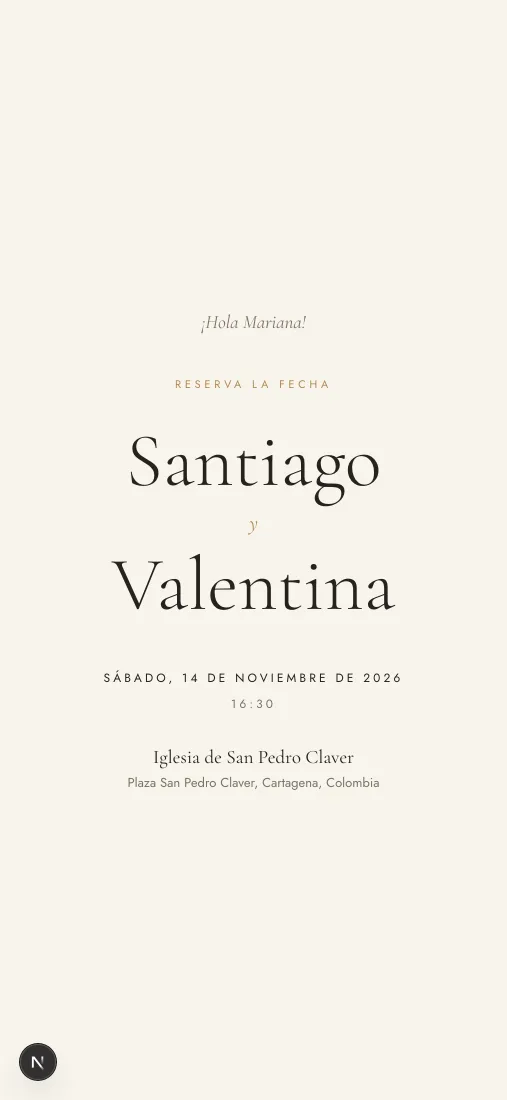
Classic
Warm paper, gold and a high-contrast serif. The design your event starts with.
See the full example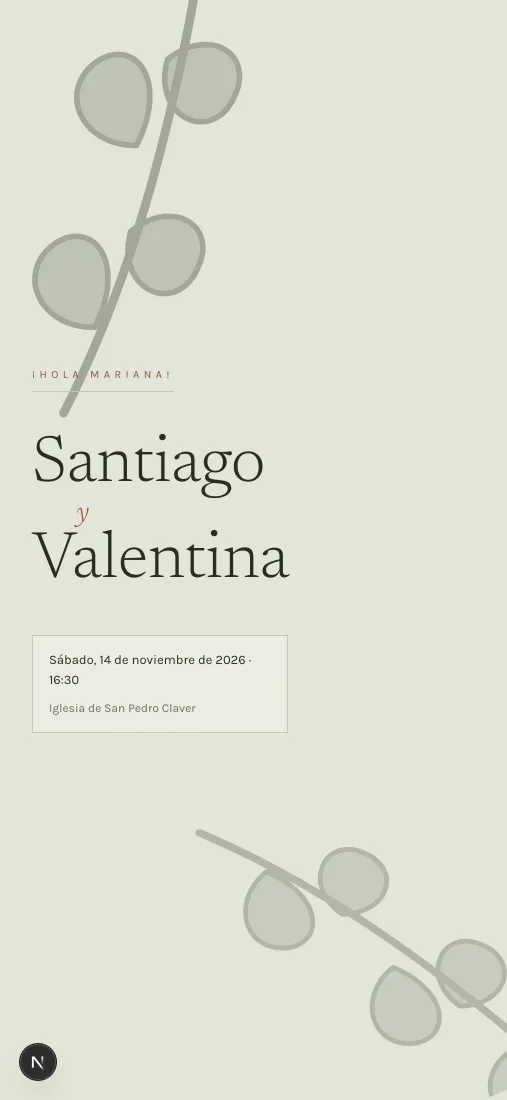
Serene Botanical
A herbarium sheet: hand-drawn green ink, eucalyptus and garden arches.
See the full example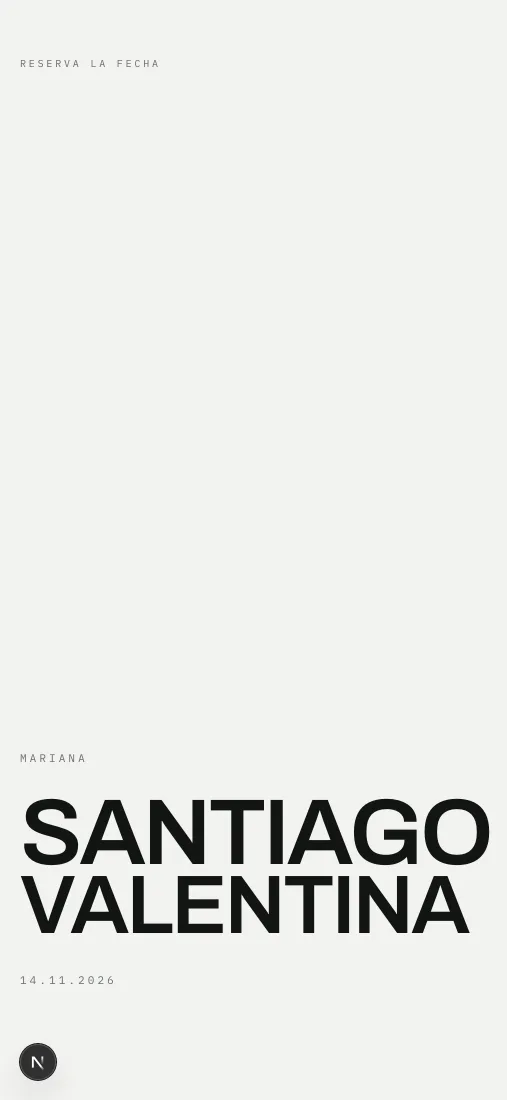
Editorial Noir
Fashion magazine: full-bleed photography, oversized Bodoni, zero ornament.
See the full example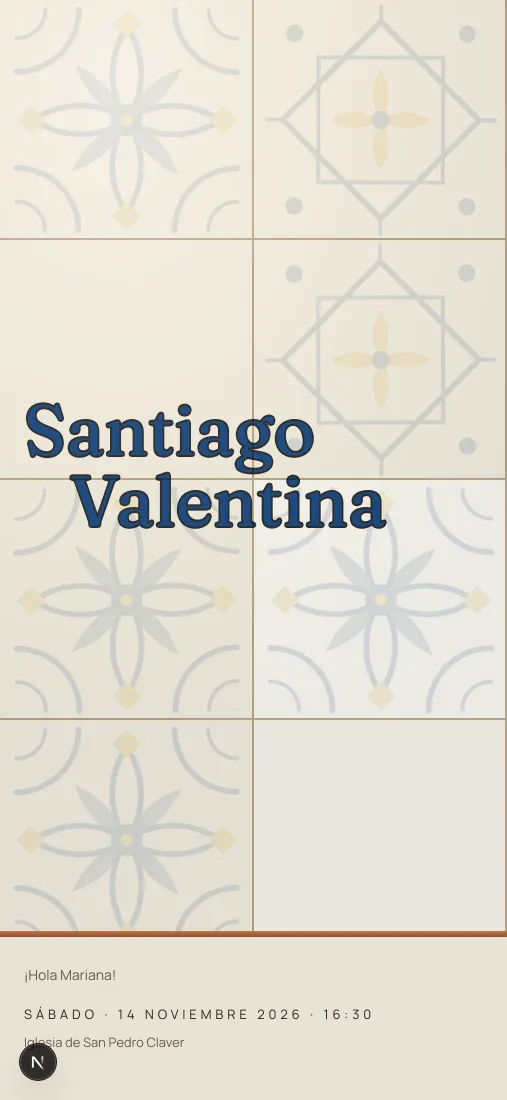
Amalfi
Hand-painted majolica tile, lemons and cobalt blue. For a wedding by the sea.
See the full example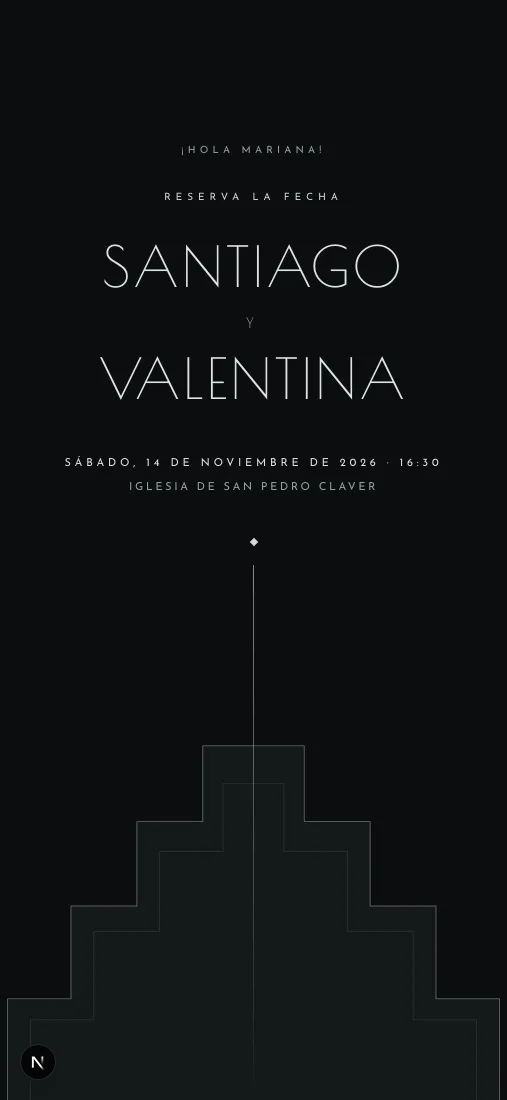
Déco
Onyx and gold leaf, inscriptional caps and a sunburst that opens ray by ray. Strict black tie.
See the full example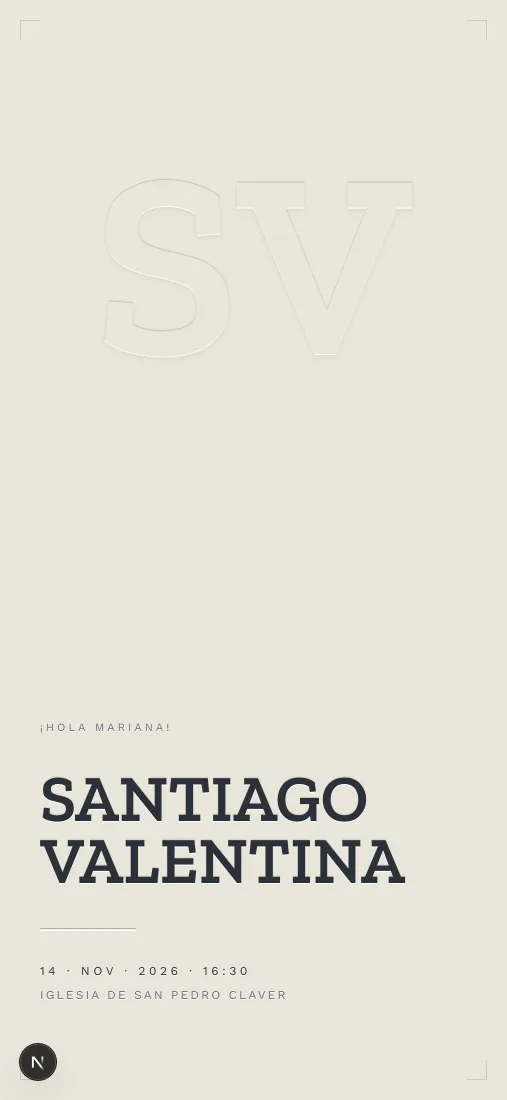
Paper & Linen
Type pressed into cotton stock, and your photos printed on the sheet. No ornament: paper, pressure and space.
See the full example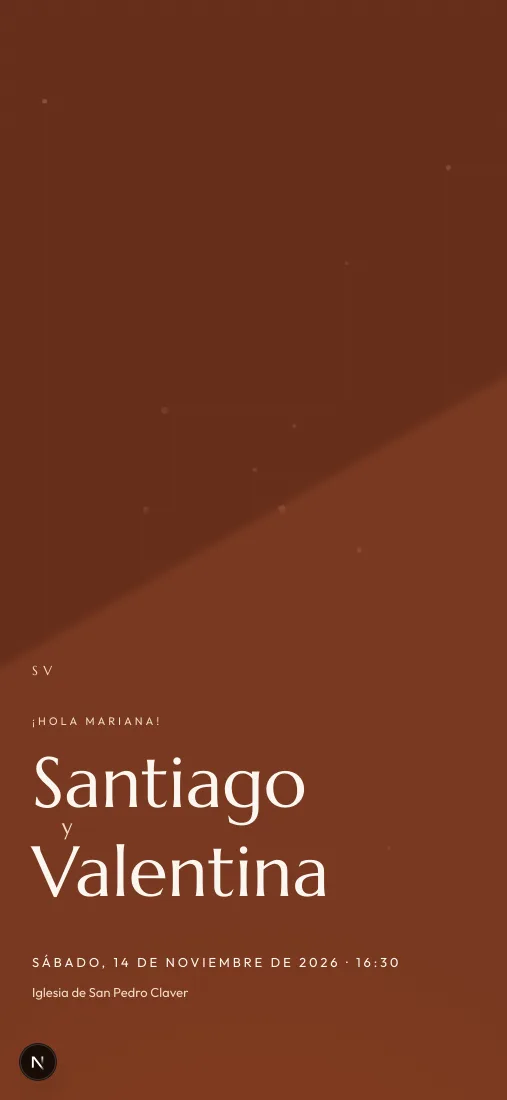
Terracotta
Hacienda arches in late light. The page warms as you scroll toward the end.
See the full example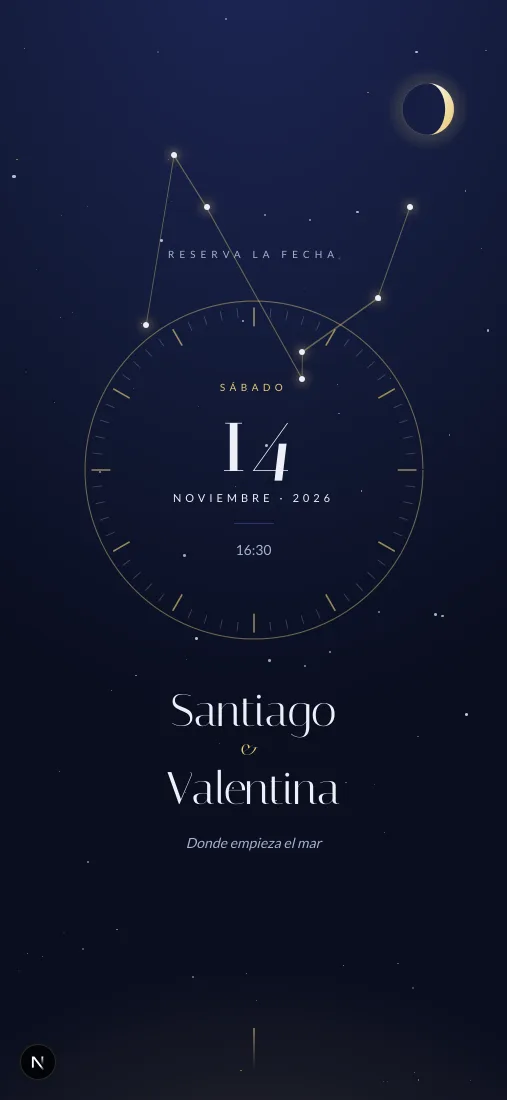
Night Sky
The sky on your wedding night: constellation and moon phase computed from your date.
See the full example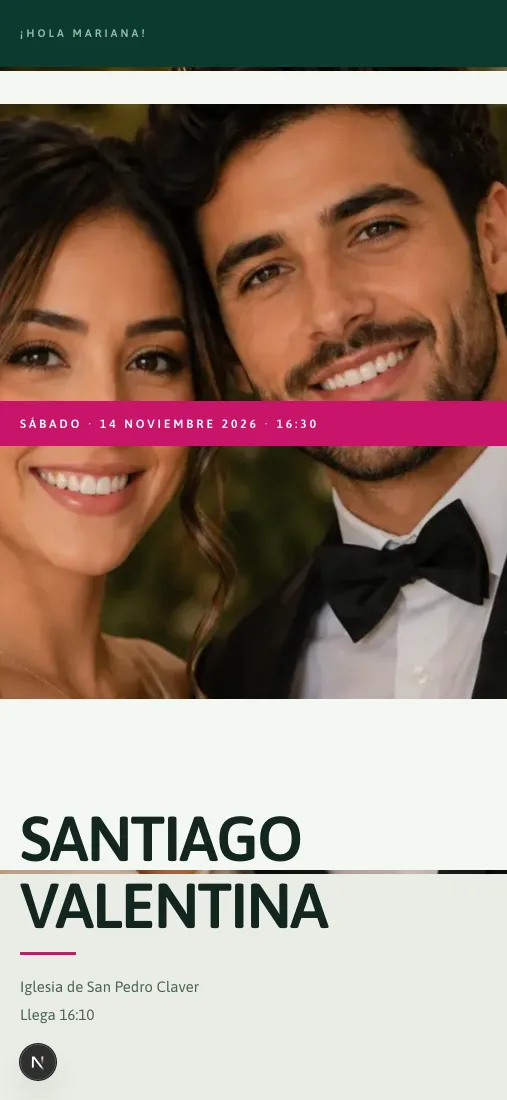
Tropics
Jungle and Caribbean. Three parallax layers of foliage and waves that morph as they pass.
See the full example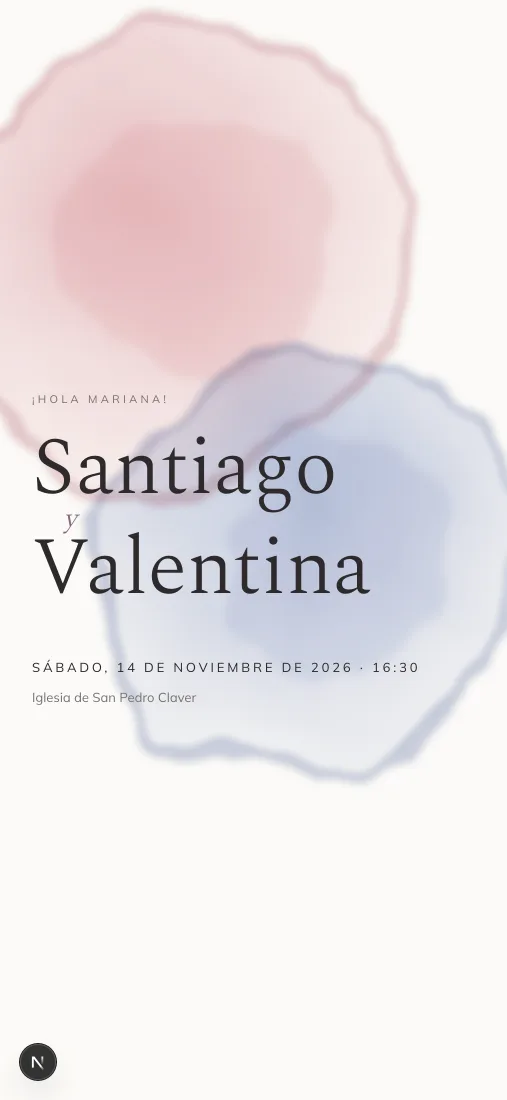
Watercolour
Blooms that spread like pigment in water and a satin ribbon that ties itself. Classic romance.
See the full example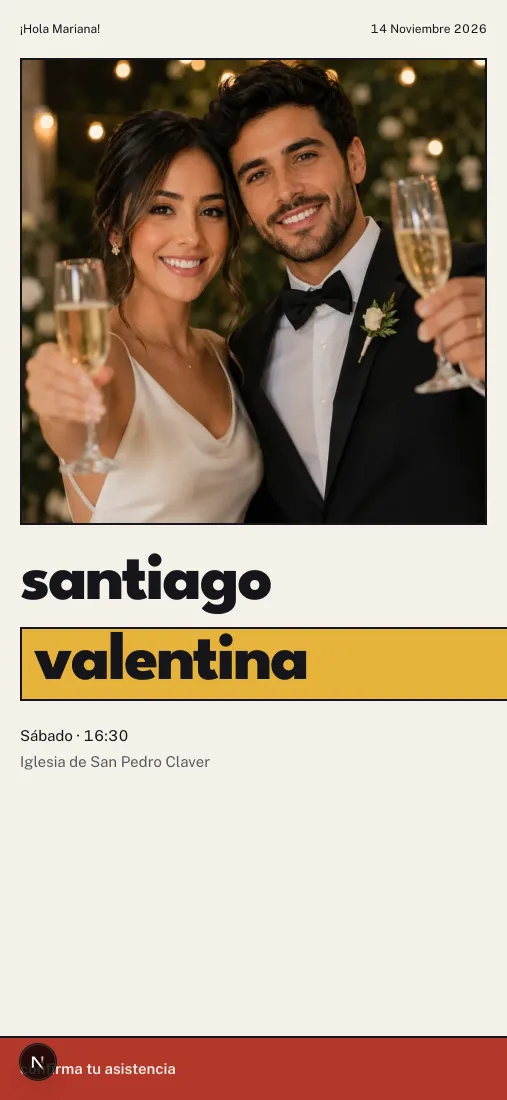
Bauhaus Bridal
Circles, bars and muted primaries on a hard grid. Zero gradients, zero shadows.
See the full exampleLike one of them?
Create your event for free and see it with the names, date and venue of your own wedding before sending anything.
Create my event freeAbout the designs
Can I try a design before paying?
Yes. Every design has its full example here, on the same sample wedding, and you can walk through all of it from your phone. On top of that, once you create your event for free you can preview any design with your real wedding details before sending a single invitation.
How much does each design cost?
It depends on the design, and the store in your dashboard is where the current price lives. Some come included with your event and others are bought once for your wedding. What you pay separately is the Invitations Plan: one payment per wedding so Nozzia sends the invitations for you.
Can I change the design after sending the invitations?
Yes, from your dashboard, at any time. Guests who open their link will see the new design; the image in their WhatsApp chat stays as the design it was sent with.
Can I upload my own invitation design?
No. Nozzia works only with the designs in the collection: that is how the invitation adapts itself to every screen, carries each guest’s name and keeps the RSVP button working the same everywhere. If what you want is an invitation as an image or a PDF you design yourself, Nozzia is not the tool.